JENCHA PIXEL
SUPPORT
Need a hand?
Help with JENCHA Pixel 1.0 for Mac. Find answers in the docs, grab the quick reference, or get in touch if you’re stuck.
DOCUMENTATION
Everything you need to know about JENCHA Pixel, from drawing and layers to projects and export.
QUICK REFERENCE
A compact overview of tools, controls and shortcuts for when you just need the answer fast.
EMAIL SUPPORT
Can’t find what you need? Send us a message at:
hello@jencha.comFREE / PRO
Help with your subscription
Apple handles Pro purchases and subscriptions. No JENCHA account is required. If StoreKit is temporarily unavailable, you can keep using Free.
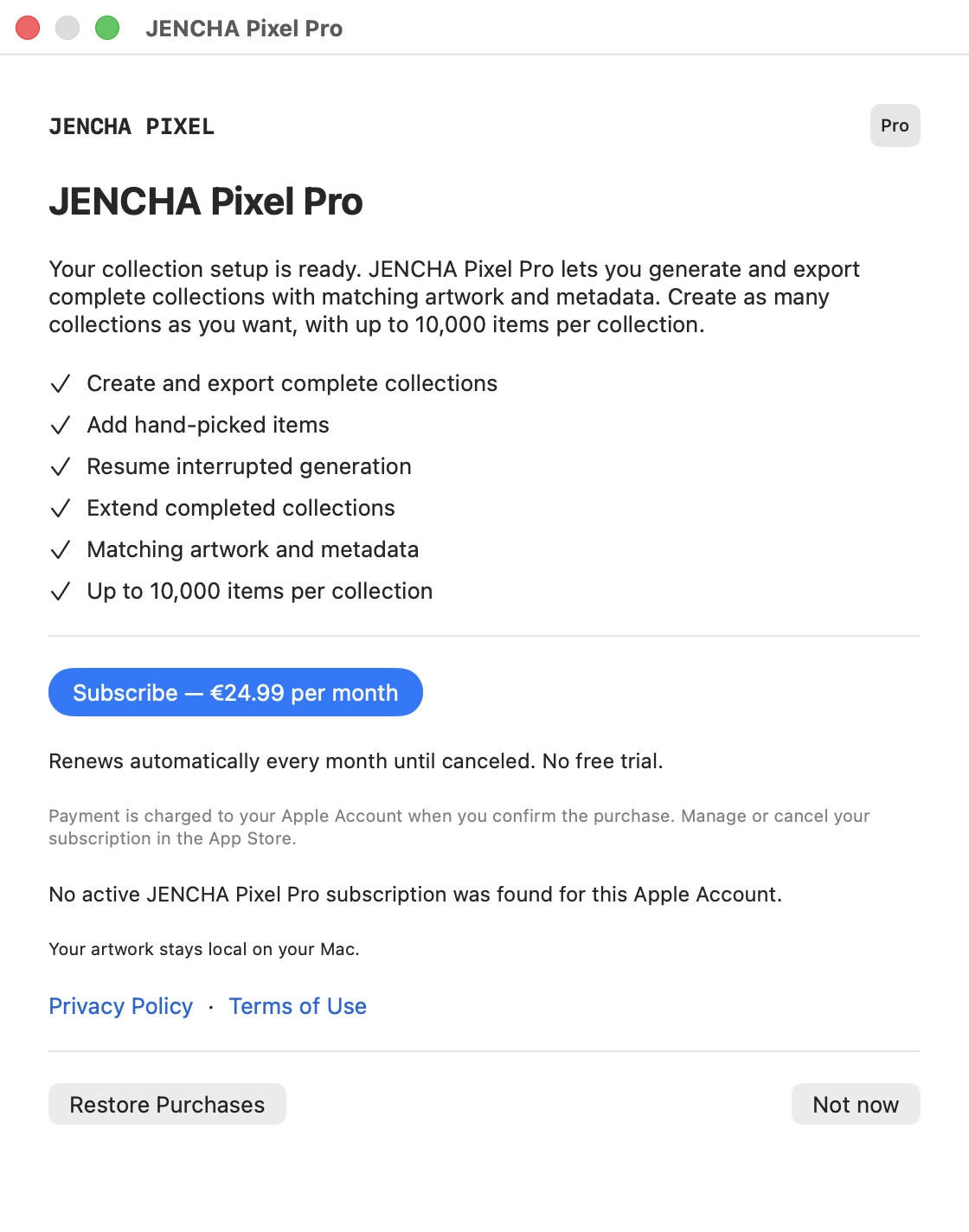
The subscription or price does not load
Check your connection, open JENCHA Pixel Pro… and choose Retry. If subscription information is temporarily unavailable, you can keep using all Free features, including drawing, saving and Single Item export. An unavailable product does not require you to buy again.
My purchase is pending
Wait for Apple to confirm the purchase. Pending does not unlock Pro yet. Keep using Free while the purchase is being processed. Once Pro is confirmed, return to the collection settings and explicitly start the action; purchasing does not start generation automatically.
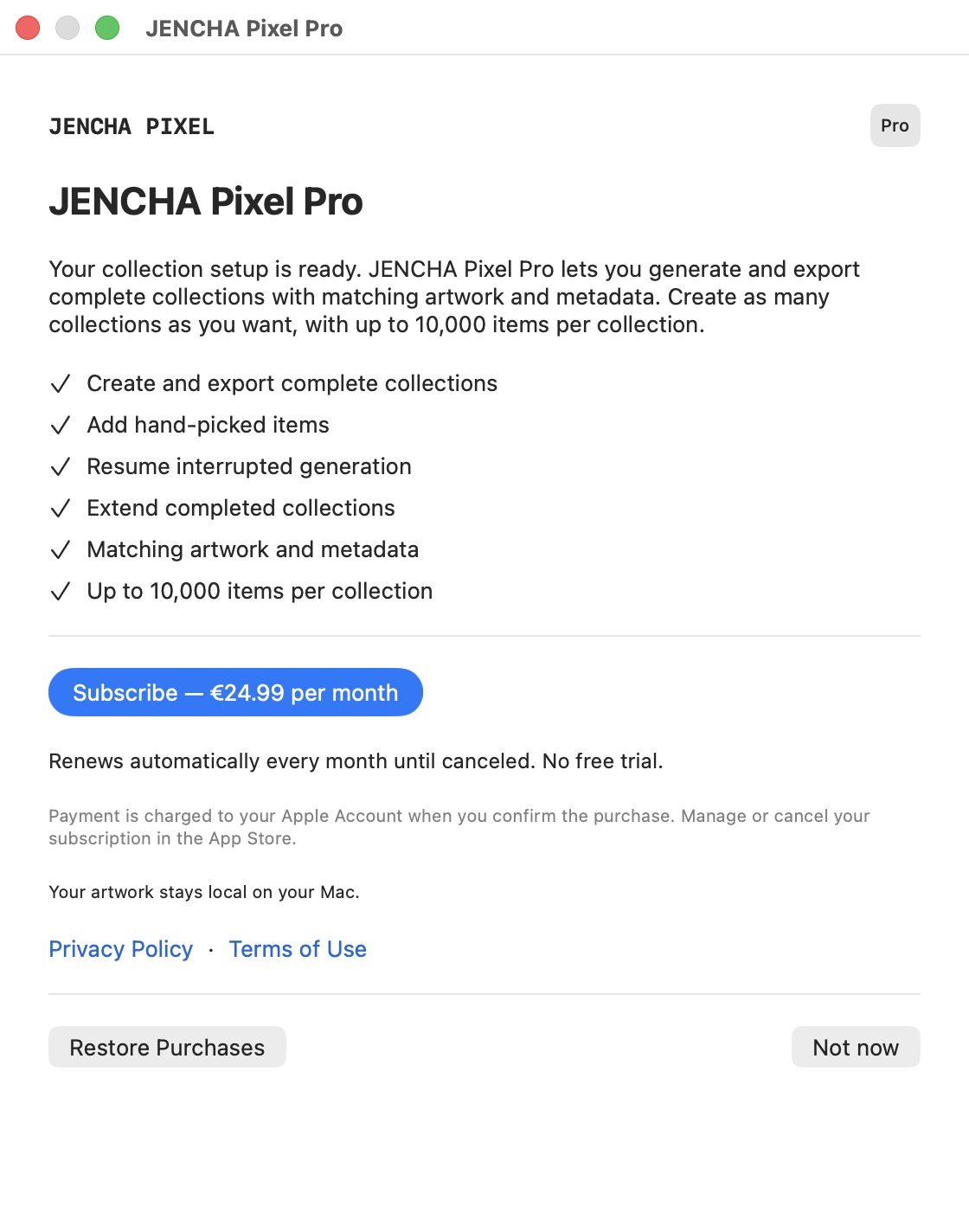
Restore an active subscription
Use the Apple Account used for the subscription. Choose Restore Purchases in the JENCHA Pixel application menu or Pro window and follow Apple’s prompts. A successful restore confirms that Pro has been restored. Return to the collection action yourself; restoring does not start production.
No active subscription was found
Check that you are using the correct Apple Account and check the subscription in the App Store. An expired subscription does not restore active Pro access. If you expect it to be active, check your connection and try Restore Purchases again. Free and your existing files remain available.
The purchase or restore failed
If a purchase could not be verified, try again or choose Restore Purchases. If restoring fails, check your connection and retry. Pro unlocks after verification. If the problem continues, email support with the exact message and your app and macOS versions; do not send Apple Account passwords or payment details.
Manage or cancel Pro
Choose Manage Subscription… in the application menu or Pro window. It opens the Mac App Store subscriptions page. Pro Monthly renews automatically each month until canceled. Cancellation keeps Pro active through the paid period. After expiry, projects remain fully editable in Free and your exports remain yours, without deletion, locks or watermarks.
Working on a collection?
For changed source projects, duplicate items, missing output, older collections or trouble resuming or extending, start with the Collection Builder guide. Keep the whole collection folder intact.
Collection helpWhen contacting support
To help us understand the issue, please include:
- your macOS version;
- your JENCHA Pixel version;
- a short description of what happened;
- a screenshot if useful.
Only send project files when they are relevant to your support request.
Purchases & subscriptions
JENCHA Pixel Pro Monthly is managed through Apple’s App Store. The current price is shown in the app for your region. The full editor, Single Item export and Collection Preview remain Free.